Centralized AWS observability part 1
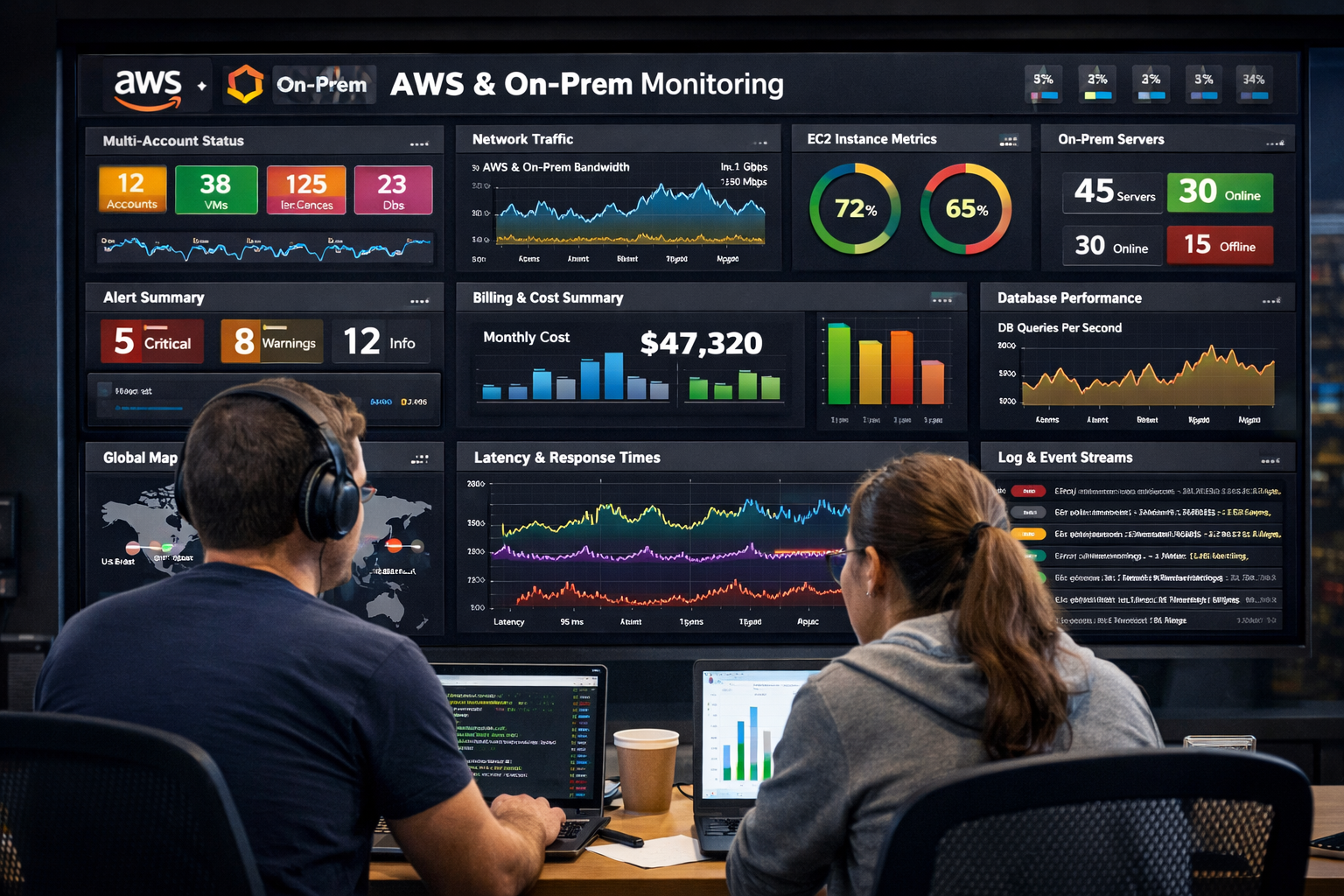
In this series of blog posts I will describe the journey (or one of the possible ways) of building a comprehensive observability solution for AWS and on-prem workloads. I will provide a step by step guide and how the decisions were made for choosing or not the particular technologies (observability stacks or whatever you call it). I will try to provide as much as possible examples and code snippets. So lets start. First let say a few words about the initial state and the goals that I have to achieve with this solution.
First of all I started almost in the green field, without anything in common. Of course we had some CloudWatch metrics and Logs in our AWS environment and Nagios for on-prem monitoring. Second, our main goal was to have “single pane of glass” for all - AWS and on-prem. Last, but not least I had to build something very quick in order to verify that the solutions is achieving our main goal.
A few words about the context, or what we though is observability. We were looking for a basics, the three pillars of observability:

I’m not going deep in those areas of the observability, I know everybody is familiar with them. I will just use them to define what we wanted to achieve in each section and what we are going to have in these blog posts:
Metrics - maybe the entry point for every observability journey, you have some workloads and you need or want to know what is happening in your environment/workloads. Having multi-account AWS environment and applications that leverage multiple AWS services like Lambda, ECS, AppRunner, RDS, DynamoDB, EC2 and many more you want to start with CloudWatch metrics, they are provided out-of-the-box can be easily integrated with other services. Most importantly we can centralize/send them ot one place (one account).
Logs or why is happening - Usually the second step in the journey, again AWS services are well integrated with CloudWatch Logs and you can integrate/send them to other location easily (It turns out that is not so easy, especially when we start, but I think AWS did great job and now is just matter of configuration).
Traces (where is happening) - Maybe the most underestimated part of the observability but I would say this will give you a great visibility where exactly is the problem in your systems. Usually, the applications are made of different components, different layers (representation, data, etc), with traces is really easy to spot where the requests are slow or failing.
The stack that we choose at the end is LGTM (Loki, Grafana, Tempo and Mimir) + Prometheus and YACE (Yet Another CloudWatch Exporter). We started with the simpler Grafana + Prometheus (and later Cortex), easiest to deploy and use it. Then, based on some let say internal struggles (not about the technology, just company politics), we moved to the LGTM stack + Prometheus. I will highlight and describe in more detail a few of the tools, why I choose them and what problems did I face with my chooses :) .
Grafana (OSS)
Someone would say that I’m talking a lot for Cloudwatch and why should’t be used as a representation layer tool (and not only, we could use it as a storage, producer - CloudWatch agent, etc.) for all those metric, logs and traces. I know that you can use CloudWatch to gather metrics and logs from your machines at your datacenter, but for us it was more convenient to use Grafana.
Why, because I had most experience with it, it is well known and flexible. Dashboards are beautiful and easy to setup/create (from the UI, or importing them).
There are a lot of different datasources (we tend to use Gitlab and Jira, they are in the Enterprise/Cloud tier)
What is not easy (especially with the open source Grafana):
Permissions/SSO - How you can “divide” your grafana instance and each team in your company has own space. Grafana “promote” using Dashboard folders, not Grafana Organizations. You can achieve this with Python and especially these days with the help of AI tools you can generate a python script that sync your AD and creating teams and folders in Grafana based on AD group membership (using this), just make be aware of the two authentication methods and what you could do with the different APIs).
Configuration as code - There is a Terraform provider, Ansible collection and whole suite of tools supporting and integrating with Grafana APIs, but… You know, dashboards are JSON files and it is not so easy to edit these huge files especially comparing it with editing the dashboard via UI. Same goes for Alerting rules, they can even be exported as .hcl files, but the terraform looks really ugly and I think is not suitable for person that doesn’t know terraform and Grafana well (like our Dev team, for example). You could use tools like Jsonnet Grafonet and a playground like this, but again there is a learning curve. for the team.
YACE (Yet Another CloudWatch Exporter)
Why YACE instead of the direct integration between Grafana and CloudWatch (CloudWatch datasource). Because, with YACE you can control the queries against CloudWatch and you can have just one datasource (Prometheus of course) for all regions. In contrast, with the Grafana provided CloudWatch datasource you have to create a separate datasource for each region and the queries are controlled by your users (how the dashboards are configured with what interval/frequency they get metrics/ send queries). With that in mind, YACE is better for the AWS cost. Just a disclaimer, back then YACE wasn’t supporting gathering metrics from multiple accounts, but in the AI world it was relatively easy to add this functionality (especially when the AWS SDK was already supporting it). Then I found out that I’m not the only person fighting with this - see this Github issue
AWS configuration
Again, I’m not going in details here, in the next blog posts we will have a lot of examples and code snippets. It worth mentioning that the configuration was intent to gather metrics, logs and traces from multiple AWS accounts. The plan was to use the AWS CloudWatch Observability Access Manager ot just OAM. With these resources you can send metrics, logs and traces to the so-called “Monitorng” account. One note here, this is regional service so if you have multi region environment, you have to create the resources for each region. Another note is about logs, you will “see” the CloudWatch log groups in the account, but you can not do anything except searching in the groups. For example you can not configure a subscription filter. Then AWS released (17.09.2025) Cross-Account and Cross-Region Log centralization functionality which saves a lot of effort to get the logs in one place and actually work with them. For example if you want to put them in Loki.
Final thoughts
I know that I promised in the beginning a lot of examples and code snippets, and there is a lot of talking here, no code, nothing. I though those clarification might be useful for someone walking that path and decisions that I made and how they were made will help others struggling to chose certain peace of technology or how to build such solution. I really promise that the snippets and the diagrams are follow in the next post. Stay tuned.
If you want to watch a video, I did a presentation talk at AWS Community Day 2025 and the video. The talk is in bulgarian.